Live now!
How to build a scouting and recruitment database with football player data
Image of David Jaja
Author

David Jaja

David Jaja is a technical content manager at Sportmonks, where he makes complex football data easier to understand for developers and businesses. With a background in frontend development and technical writing, he helps bridge the gap between technology and sports data. Through clear, insightful content, he ensures Sportmonks' APIs are accessible and easy to use, empowering developers to build standout football applications

Recent articles by David Jaja

All articles
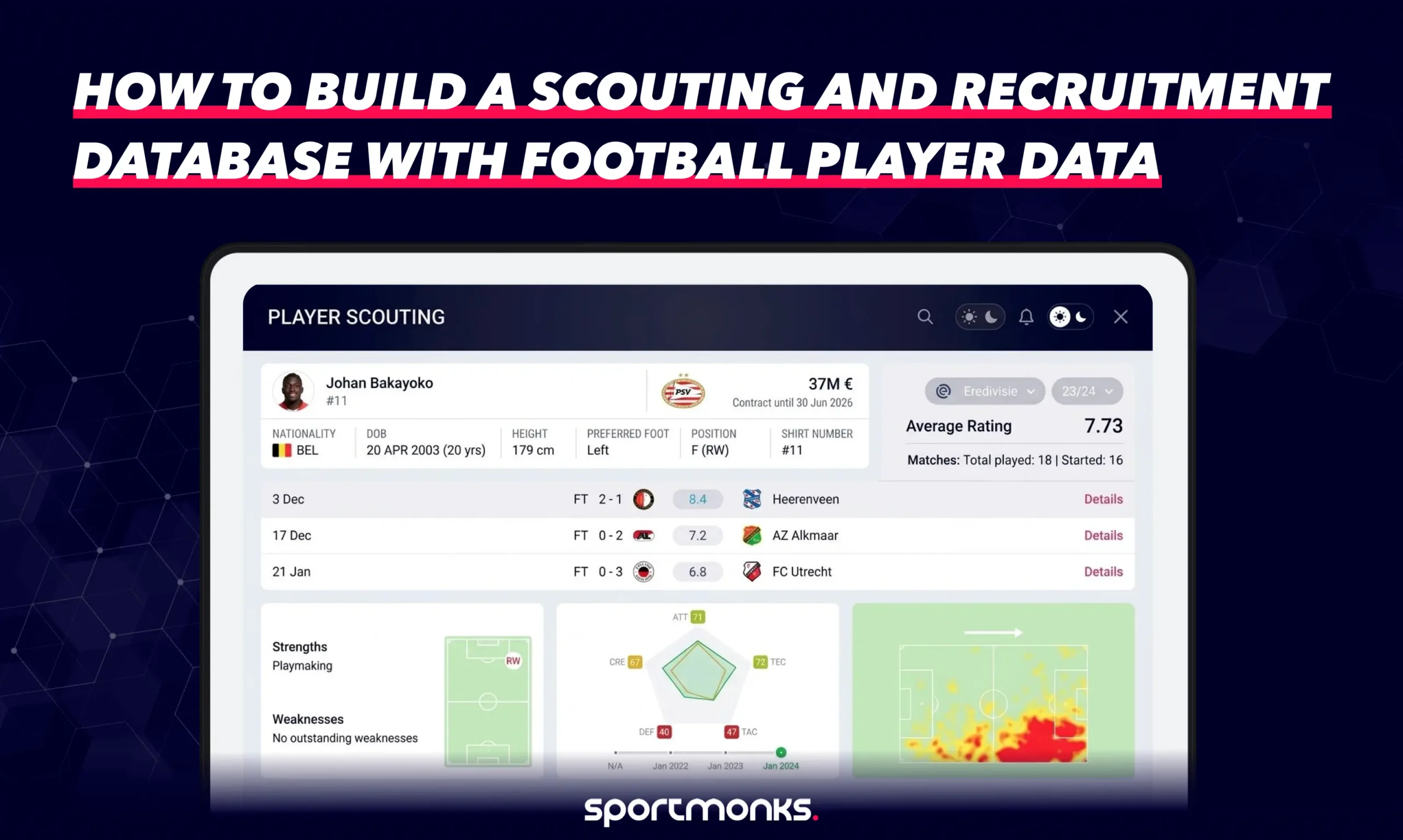
How to build a scouting and recruitment database with football player data

A football player database for scouting helps your team bring player records, season performance and in-house reports into one place. That matters when a shortlist spans teams, seasons or competitions: a name alone will not show whether two statistics are comparable. A useful database gives analysts a consistent place to check identity and context, while scouts add the observations numbers cannot settle. This guide walks through a practical data model, the API records to connect, and a two-league example for comparing under-23 forwards by xG per 90. A scouting database gives your club, agency or analysis team a place to do that work. The Sportmonks Football API supplies structured player, squad, transfer and season-statistic data; your application decides how to store it, connect it to scout reports and present evidence to the people making decisions. This guide walks through a practical first version, from the data model to a query that can shortlist players without pretending that statistics make the decision on their own. Related examples include our ScoutsLand case study and guide to building player comparison pages.

Time to read 8 min
Published November 17, 2026
Last updated November 17, 2026
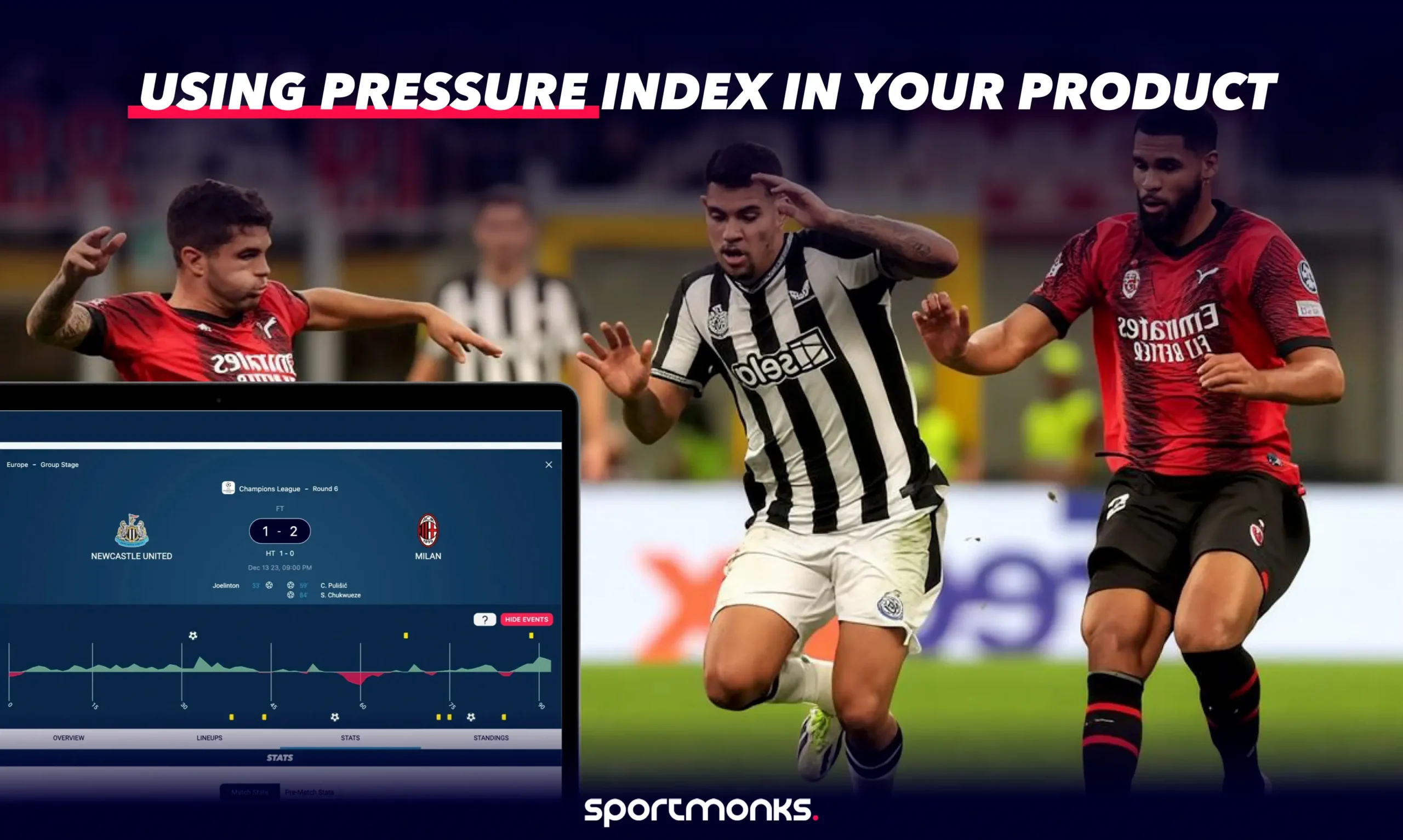
Using Pressure Index football data in your product

During a live match, the score tells you what has changed, but it does not show the pressure building between goals. Pressure Index gives your match centre a minute-by-minute view of which team is applying more attacking pressure, so fans can follow how the game is shifting as it unfolds. To display it, request the pressure include on a fixture, connect each record to its team through participant_id, and plot the readings beside the score and match events. The data describes the match; it does not predict a goal or result. You can build a custom view from the raw response, then check whether a ready-made widget suits the experience you have in mind.

Time to read 7 min
Published November 17, 2026
Last updated November 17, 2026
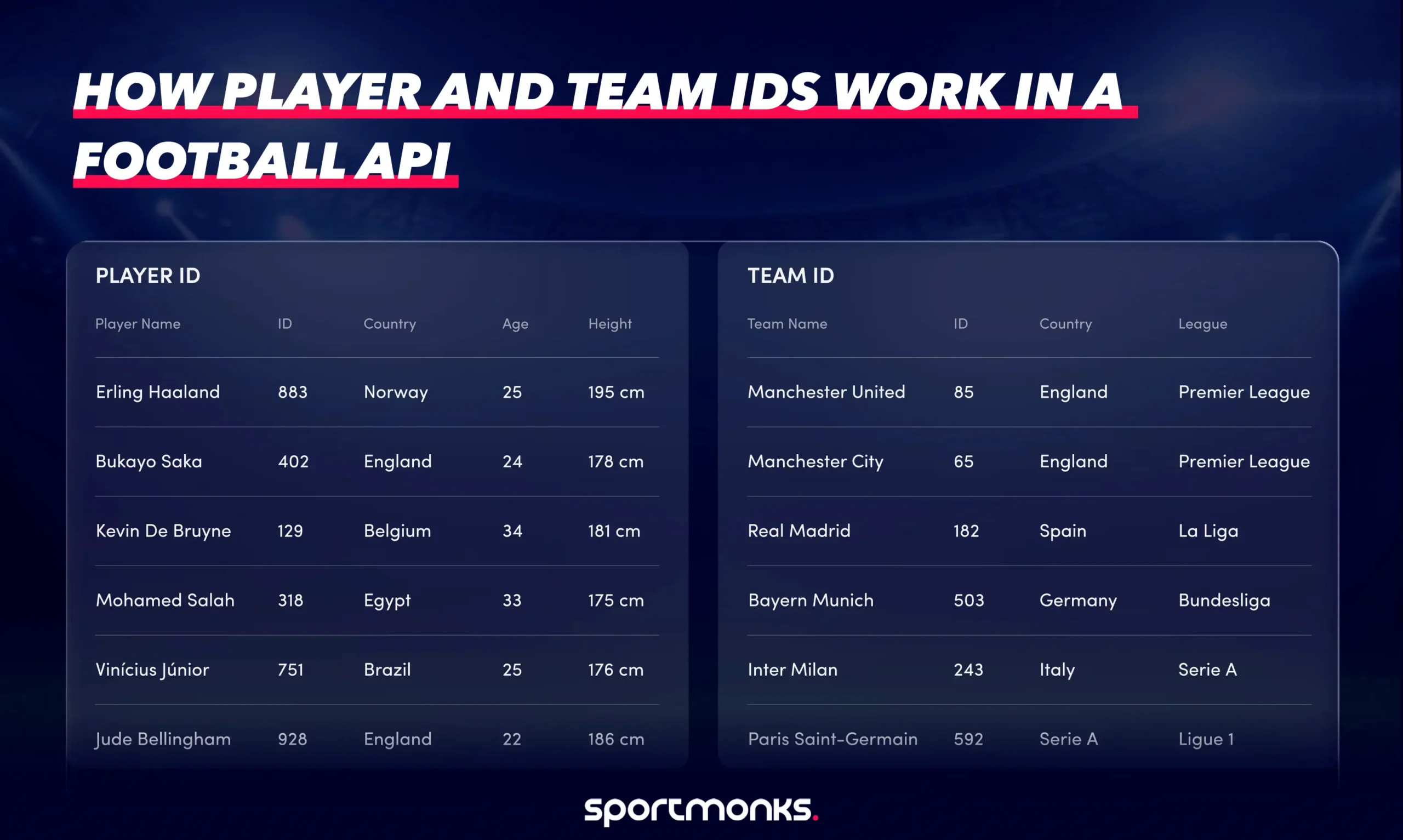
How player and team IDs work in a football API
Time to read 9 min
Published November 16, 2026
Last updated November 16, 2026
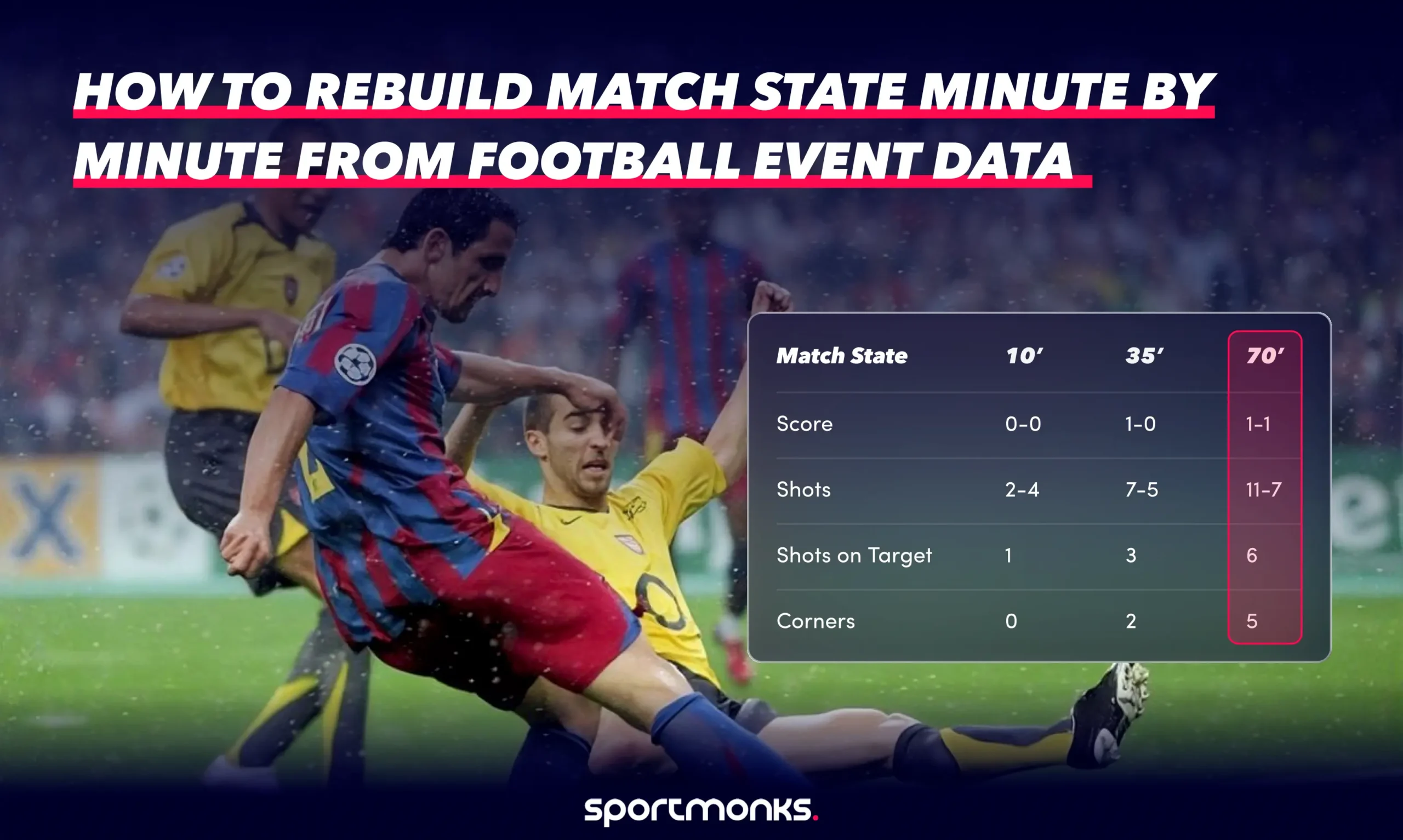
How to rebuild match state minute by minute from football event data

A match ends with one scoreline, but a live model has to make decisions before that result exists. At minute 70, the question is not simply how many shots came in the match. It is what your application knew by then, and which values came from records that had actually arrived. You can answer that by turning the fixture’s event stream into a sequence of checkpoints. The work is less about adding every number together and more about keeping the source, match period and observation time clear as the match changes. To rebuild match state from in-play football data, combine timestamped fixture events and timeline records into period-aware checkpoints. Keep each provider record ID, apply only mapped metrics, and store the cumulative state with its retrieval time. Full-match statistics and a final xG value cannot recreate earlier snapshots.

Time to read 12 min
Published November 16, 2026
Last updated November 16, 2026
How to test a football data API in 14 days

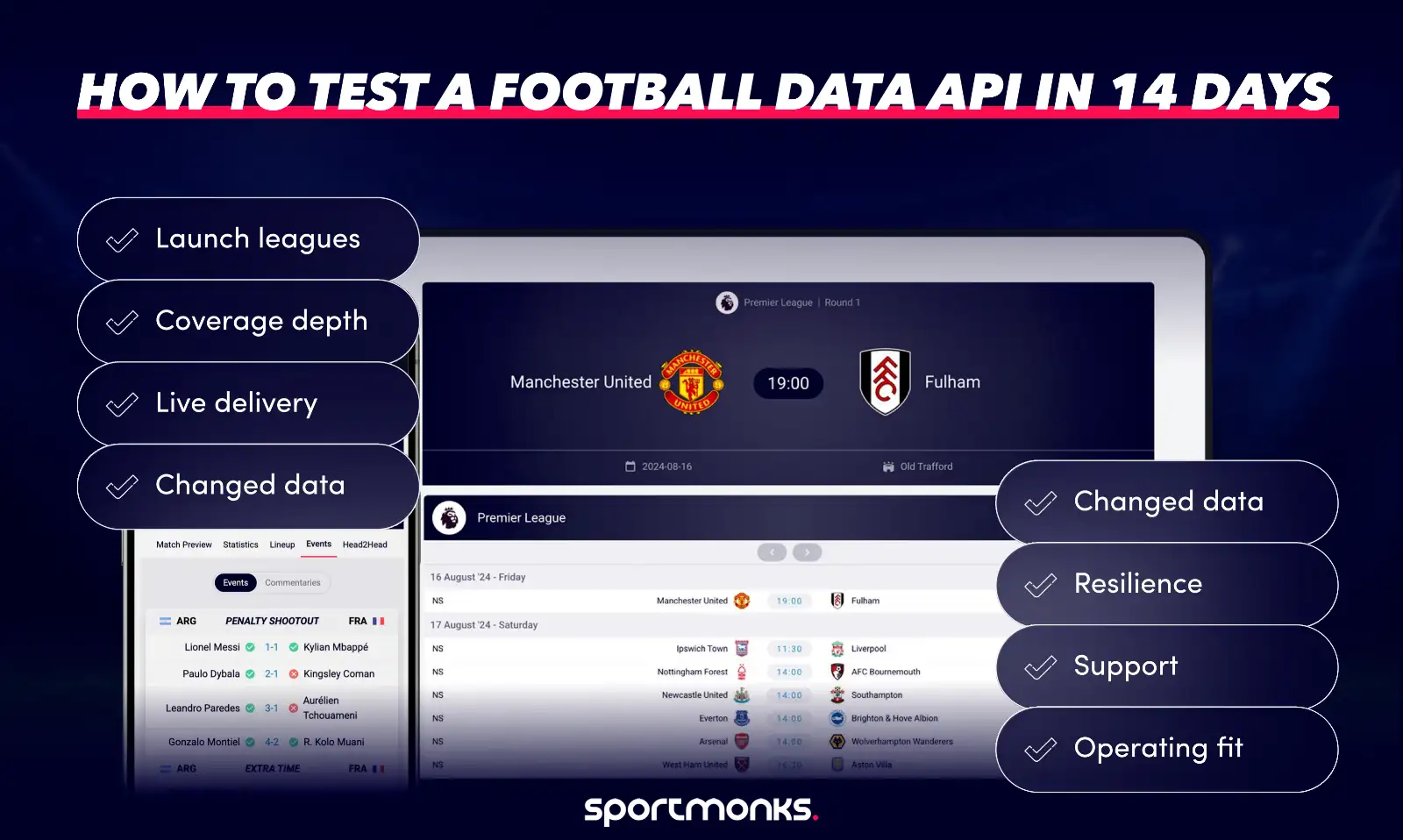
Getting a successful API response is a satisfying first step. The bigger question is whether the data can power the football app you have in mind. A two-week test can feel rushed if you try to check everything at once. Focus on the essentials in your own application, using both live and historical fixtures. This plan helps you gather evidence and finish with a clear next step.

Time to read 15 min
Published November 13, 2026
Last updated November 13, 2026
Building a training dataset for a football prediction model

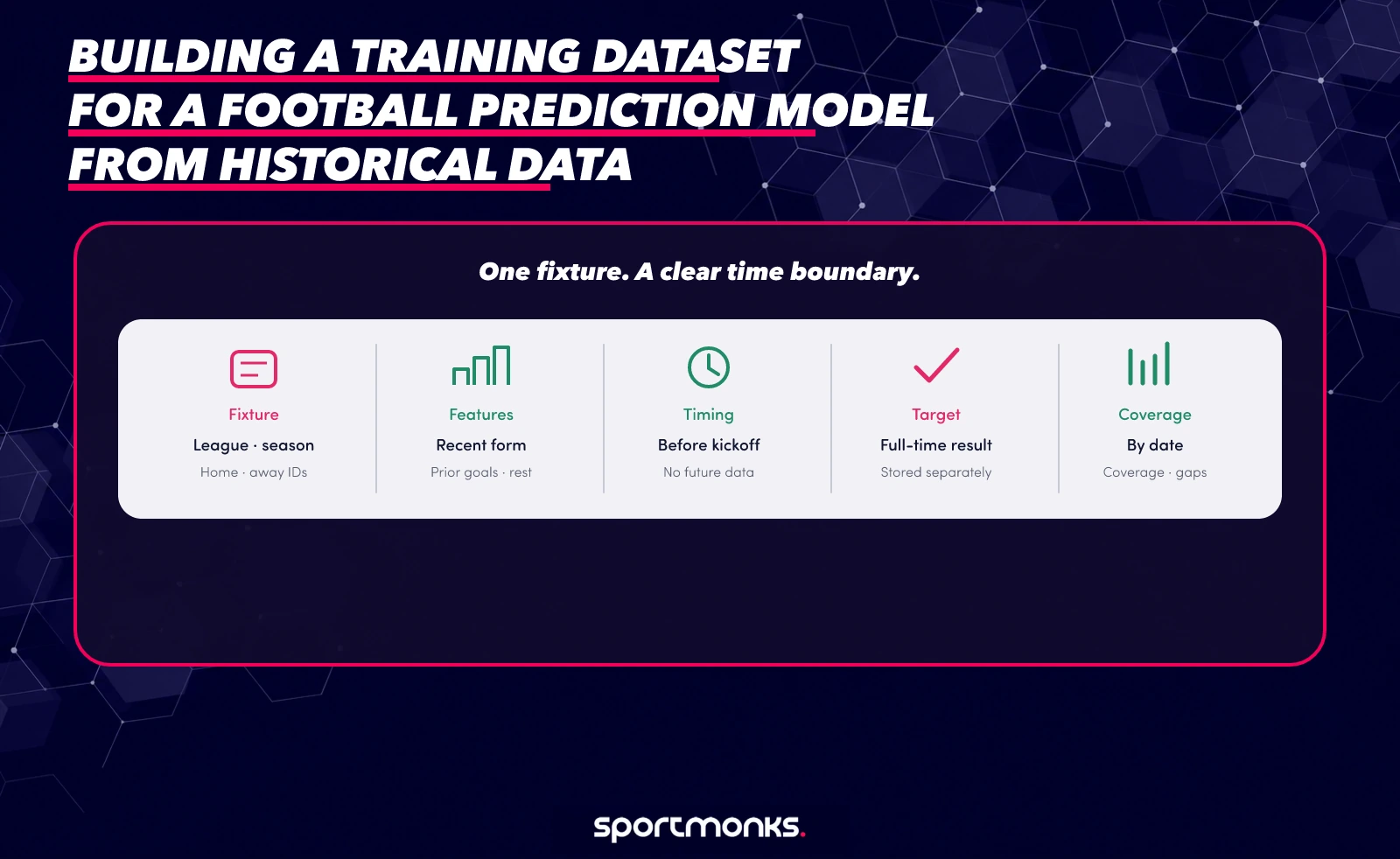
Building a football prediction model starts with more than choosing an algorithm. When you gather historical football data for machine learning, the first hard decision is what the model should be allowed to learn from. A few finished matches can give you a prototype, but a useful evaluation needs a consistent set of competitions, seasons and fields, with each feature built from information that existed before its match. Start by choosing a prediction question, inspect the seasons and coverage available for each league, then collect fixture data, add only the metrics you need, split by date and check gaps before training. There is no universal season count: compare time windows against the same future test period, and keep older seasons only when they still represent the football you want to predict. Think of it as a football dataset for prediction, not a pile of finished match records: each row should match the question, timing and competitions your model will face.

Time to read 12 min
Published November 12, 2026
Last updated November 16, 2026

document.addEventListener('DOMContentLoaded', function () { var link = document.querySelector('.table-of-contents__item-link[href$="#section-7"]'); if (link) link.textContent = 'Frequently asked questions'; });